

Image to Layers AI
Turn any image into editable transparent PNG/PSD layers with AI
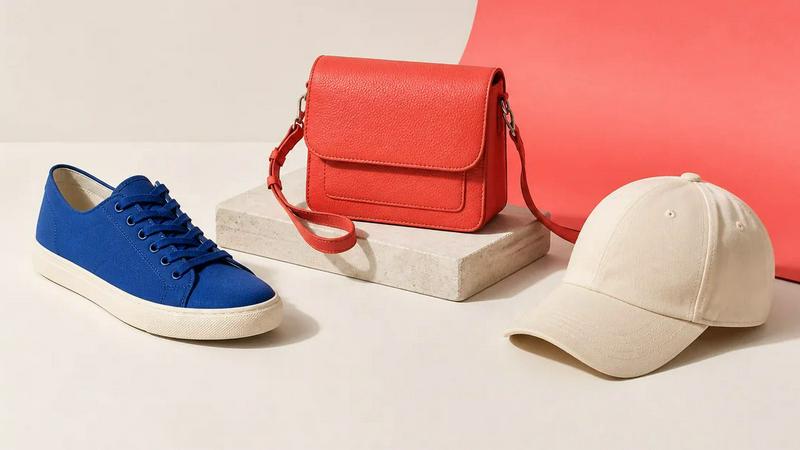
About Image to Layers AI
Turn any image into editable layers with AI. Upload a picture and get the subject, background, and objects as separate transparent PNG (RGBA) layers in about a minute. Works in any editor like Photoshop, Figma, or After Effects. Ideal for designers, motion artists, and developers who need quick, clean layer stacks without manual masking.
Similar to Image to Layers AI
Edit Image Text
AI image editor for fixing typos, dates, and prices in JPG, PNG, and WebP while matching the original font and background.
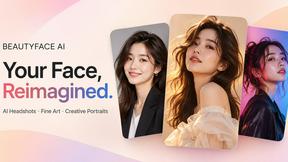
Beautyface
Beautyface AI is an online AI photo studio for creating professional headshots, fine art portraits, and creative photo transformations. Turn your self
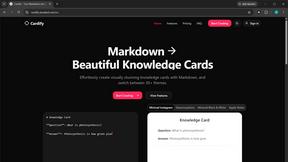
Cardify
Write Markdown, get a share-ready knowledge card. 30+ themes shown side by side, live preview, and PNG / SVG / PDF export for one card or a whole set.
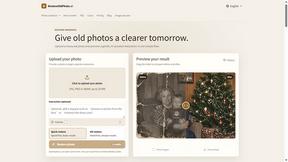
RestoreOldPhoto
Restore old photos with RestoreOldPhoto.ai: repair scratches, creases and fading, sharpen faces and details, and optionally colorize family memories.
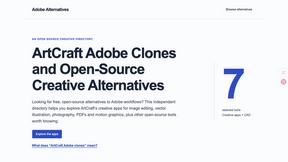
Adobe Alternatives
Explore open-source creative software by workflow, platform and development stage, with comparisons and official project links.
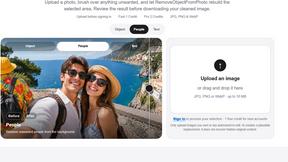
RemoveObjectFromPhoto
Remove unwanted objects, people, and text from photos with AI for clean, natural-looking results in seconds.
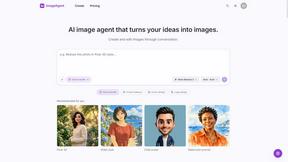
ImageAgent
Create and edit AI images through conversation, using text or reference images and refining results in chat.
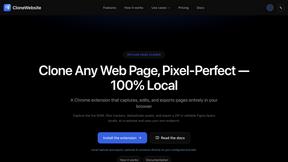
CloneWebsite
Clone any webpage pixel-perfect, export HTML/CSS/ZIP or React/Vue components.