
OnUML
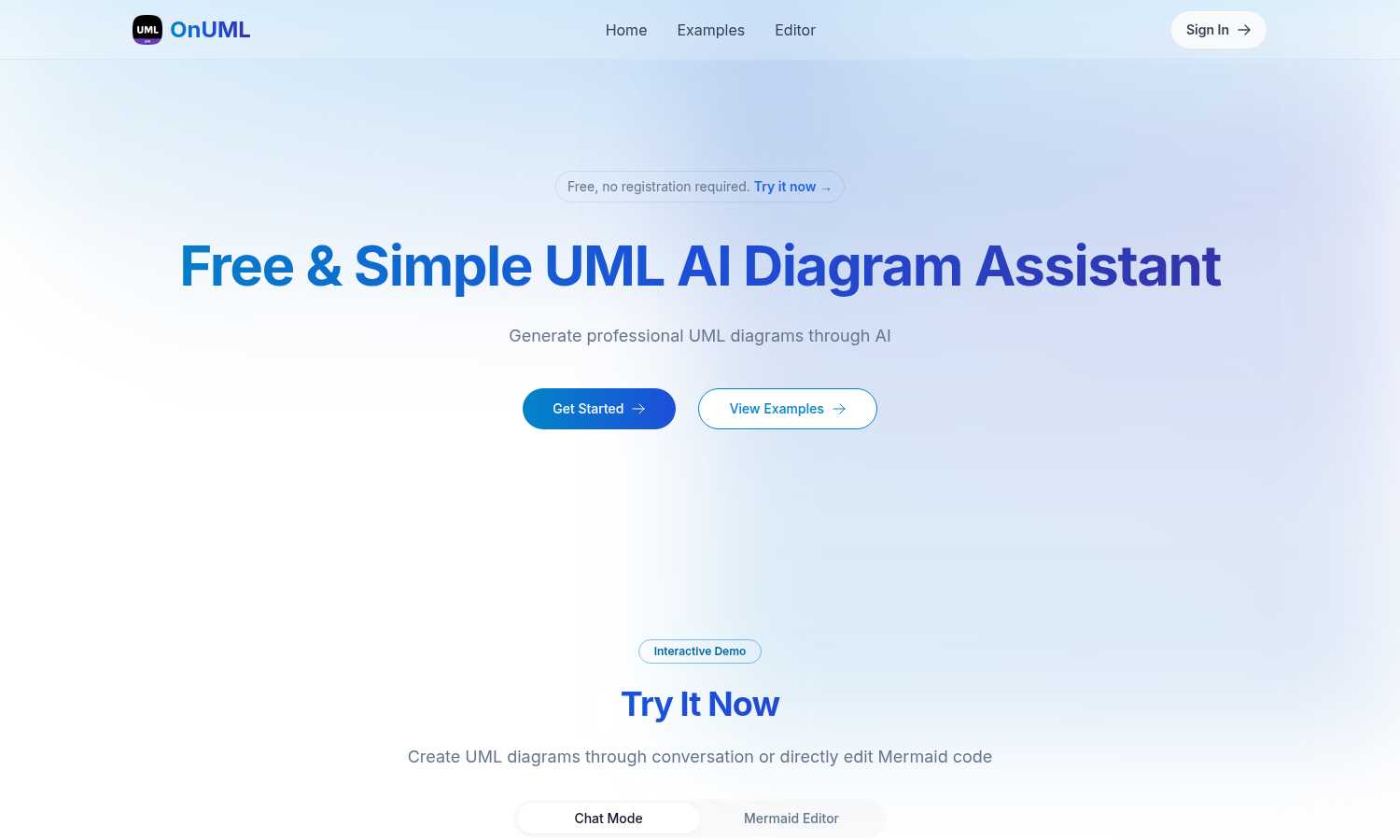
OnUML simplifies UML diagram creation with AI-driven chat and direct Mermaid code editing for instant, professional.
tool Details
Alternatives
About OnUML
OnUML is an innovative AI-powered platform that revolutionizes the way UML diagrams are created, making it accessible to developers, project managers, and designers alike. By allowing users to express their requirements in natural language, OnUML removes the complexities traditionally associated with diagramming tools. The platform's core functionality is built on the robust Mermaid engine, a JavaScript-based diagramming tool that enables users to generate high-quality diagrams effortlessly. OnUML enhances productivity and creativity, enabling professionals to transform their ideas into polished diagrams in just a few simple steps. The platform offers real-time collaboration features, ensuring that teams can work together effectively, regardless of their technical expertise. Whether you are a novice or an expert, OnUML equips you with the necessary tools to elevate your diagramming capabilities, driving clarity in communication and project planning.
Features
AI Smart Chat
The AI Smart Chat feature allows users to describe their requirements in natural language, generating professional UML diagrams instantly. This eliminates the need for technical jargon, making it accessible to everyone.
Smart Suggestions
OnUML provides smart suggestions through its intuitive interface, offering design recommendations that enhance the UML creation process. This feature helps users refine their diagrams and optimize their designs.
Multi-diagram Support
With multi-diagram support, users can generate various types of UML diagrams, including class diagrams, sequence diagrams, and more. The platform intelligently recommends the appropriate diagram type based on user input.
Real-time Rendering
OnUML offers a WYSIWYG (What You See Is What You Get) editing experience with real-time rendering. As users create diagrams, they can see instant updates, ensuring that their visualizations are accurate and professional.
Use Cases
Project Planning
OnUML is perfect for project planning, allowing teams to visualize workflows and processes. By creating UML diagrams, project managers can effectively communicate project requirements and timelines.
Software Development
Developers can use OnUML to design software architecture, illustrating system interactions and component relationships. This visual representation aids in better understanding and implementation of complex systems.
Educational Purposes
Educators and students can leverage OnUML for learning and teaching UML concepts. The platform simplifies the diagramming process, making it easier for students to grasp essential software engineering principles.
Collaborative Design
OnUML facilitates collaborative design sessions where multiple stakeholders can contribute ideas and feedback in real-time. This enhances team collaboration, ensuring everyone is aligned with the project's vision.
Frequently Asked Questions
Will my chat content be used for AI training?
No, your chat content will not be used for AI training. OnUML prioritizes user privacy and ensures that your data remains confidential.
Are there any usage limits?
OnUML is free to use with no registration required. There may be certain limitations on features for unregistered users, but the platform is designed to be accessible to everyone.
What types of UML diagrams are supported?
OnUML supports a wide range of UML diagrams, including class diagrams, sequence diagrams, activity diagrams, and state diagrams, among others. This versatility caters to various modeling needs.
How can I save my diagrams?
Users can easily save their diagrams by exporting them in multiple formats, including PNG and SVG. This feature ensures that diagrams can be shared and integrated into documentation seamlessly.
Similar to OnUML

Qwen Image Edit
Prompt-based Qwen Image editing and generation for backgrounds, text, products, posters, outpainting, and creative styles.


subtitlegenerator.net
Free AI subtitle generator that auto-creates subtitles and flags AI mistakes for quick review.

benchmark.directory
AI tools written up by the people who paid for them. Pricing, integrations, data policy and the limit we hit in a week of use.

saasgrow.ai
Get your SaaS tool discovered. Free listing, honest screening, a dofollow link — and no way for anyone to outbid you.

Tools Network
New AI tools drop every day — Tools Network makes sure you never miss the ones that matter.
