

DubVid
DubVid translates audio and video into other languages with stock or cloned voices, optional lip-sync, and usage-based credits for creators and teams.
tool Details
Explore More
Alternatives
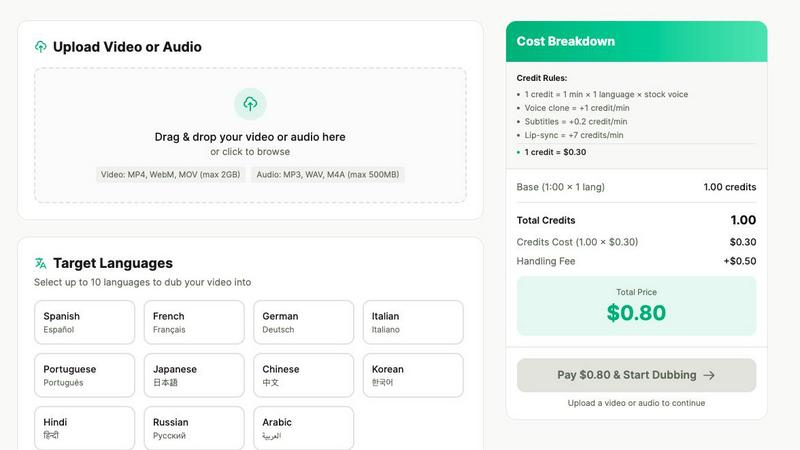
About DubVid
DubVid helps creators, educators, and teams make localized versions of audio and video. Upload a supported file, choose target languages and a stock AI voice or cloned voice, then download the finished versions for channels such as YouTube, courses, or customer support. Supported formats include MP4, MOV, WebM, MP3, and WAV, with uploads up to 500 MB.
Choose add-ons by project
The cost calculator counts localized minutes by language. Voice cloning, subtitles, and lip-sync each add credits, so a project with several target languages or premium lip-sync can use credits faster than a basic stock-voice dub. Lip-sync is presented for talking-head videos where matching mouth movement matters; subtitles are optional. A free 60-second test and two free credits are offered for trying the workflow.
Features
- Dubs audio and video into selected target languages.
- Offers stock AI voices or voice cloning.
- Optional subtitles and lip-sync.
- Supports MP4, MOV, WebM, MP3, and WAV files up to 500 MB.
Use Cases
- Localize short-form videos for platforms such as Reels, Shorts, and TikTok.
- Adapt lessons, tutorials, and webinars for learners in other languages.
- Produce localized podcast episodes, interviews, or support walkthroughs.
Frequently Asked Questions
What files can I upload?
DubVid lists MP4, MOV, WebM, MP3, and WAV, with a 500 MB upload limit.
What affects credit use?
The number of localized minutes and languages sets the base use. Voice cloning, subtitles, and lip-sync add credits at the rates shown in its calculator.
Can I try it before starting a project?
The page offers a free 60-second test and two free credits, with no account required for the test.
Similar to DubVid
FreeCreate
Explore AI video creation with text and image inputs, motion control, Genjutsu editing, and a library of preset effects.
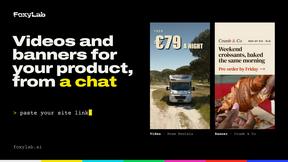
FoxyLab
FoxyLab helps product teams create videos and banner sets from chat prompts, using website context and conversational edits for campaign assets.
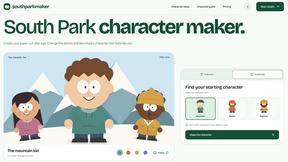
southparkmaker
Create a South Park-inspired avatar in a browser editor, customize its details, and download a 1024-pixel PNG or editable SVG.
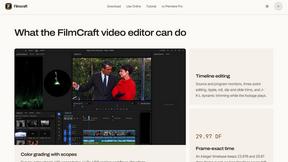
FilmCraft
FilmCraft is a free, open-source video editor for desktop and browser use, with frame-accurate timelines, color tools and native codec support.
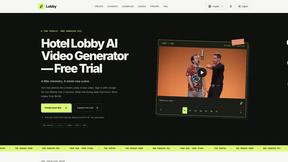
LobbyClip
LobbyClip turns two individual photos into short AI videos, with templates for people, couples and pets.
Pavo AI
Pavo AI turns written prompts into short videos and images, with four models, adjustable settings and a shared credit balance.
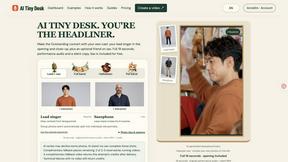
AI Tiny Desk
Turn a portrait into a 19-second concert video with four casting modes, original performance audio and a silent MP4 download.
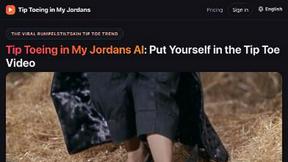
Tip Toeing in My Jordans AI
Put one or two photos into a 12-second Rumpelstiltskin tiptoe video, then export an MP4 in vertical or widescreen format.