

Alternatives to GPTIMG2 AI
GPTIMG2 AI evolves how teams create product visuals, campaign art, and text-heavy designs with unmatched prompt fidelity and cleaner results.
Explore 20 alternatives to GPTIMG2 AI. Compare features, pricing, and find the best fit for your needs.
AI Album Cover Maker
Create release-ready album covers from a prompt or photo. Generate, refine, and export art for singles, EPs, mixtapes, and playlists.

Qwen Image Edit
Prompt-based Qwen Image editing and generation for backgrounds, text, products, posters, outpainting, and creative styles.
RunwayAI
Independent AI video generator for creating videos from text prompts or reference images with task tracking, previews, downloads, and API resources.
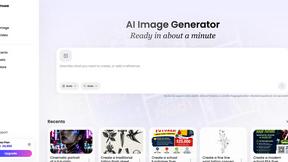
Vismuse
Create polished AI images and videos from prompts or references for social posts, ads, flyers, album covers, and campaigns.
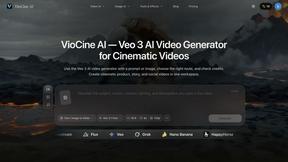

IsThisAIImage
Free AI image checker: upload a photo for AI-generated and deepfake scores, a clear verdict, and optional generator hints.
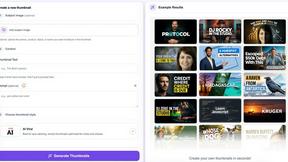
StopScroll
StopScroll is an AI thumbnail maker that generates YouTube thumbnail concepts from a URL, title, or prompt.
HubVanta AI
HubVanta AI helps creators generate images and videos with advanced AI tools for visual content workflows.

Picture Enhancer
Picture Enhancer: free AI photo deblur, upscale, and restore in your browser. Guest tries, then credits—no software install.
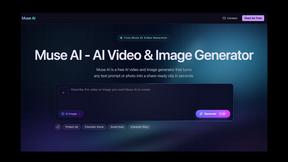
Muse AI Video Generator
Turn any text or photo into share-ready videos and images in seconds with Muse AI's free, all-in-one creative tool.
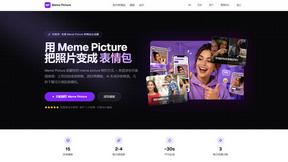
Meme Picture
Meme Picture evolves your selfies and pet photos into shareable classic memes in seconds with free daily AI generations and no login required.
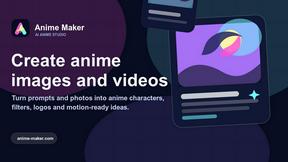
Anime Maker
Turn text, photos, or prompts into anime images, characters, and short videos as your creative skills evolve.

HiAPI
HiAPI evolves from a single API key into a unified gateway for leading image, video, and text generation models.
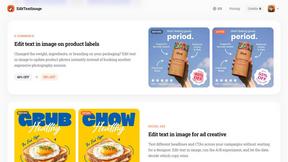
EditTextImage
EditTextImage evolves your workflow by letting you replace text in any image online while preserving font, color, and perspective in seconds.
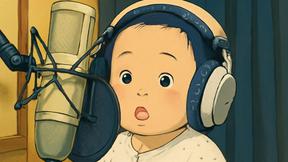
Vogue AI
Start with proven prompts, swap your subject to keep the style, and evolve your AI image generation from blank canvas to masterpieces.
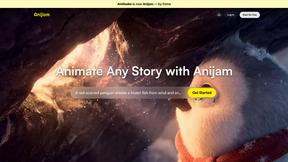
Anijam.ai
Anijam.ai empowers you to effortlessly create stunning anime and animated videos with one-click generation and seamless character consistency.
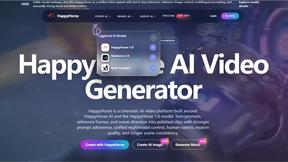
HappyHorse
HappyHorse evolves from a top-ranked silent video model into a unified cinematic platform for generating high-fidelity video and images from prompts.
About GPTIMG2 AI Alternatives
GPTIMG2 AI is an AI-powered image and video generation workspace designed for teams that need production-ready visuals rather than experimental outputs. It falls under the image generation category, with a strong emphasis on prompt fidelity, clean on-image text, and reference-led editing. Users commonly look for alternatives to GPTIMG2 AI due to factors such as pricing structures that may not fit smaller teams, the need for more specialized features like advanced video editing or broader platform integrations, or a desire for simpler interfaces that prioritize speed over revision control. When evaluating alternatives, it is important to consider how well the tool supports your specific workflow—whether that means stronger prompt adherence, better text rendering, collaborative revision features, or the ability to move seamlessly from still images to video and campaign assets. The best choice will align with your team’s growth stage, from early experimentation to full-scale production. As you explore options beyond GPTIMG2 AI, focus on tools that evolve with your creative process. Look for platforms that offer clear progression from concept to final asset, with robust revision history and consistent output quality across different media types. Whether you are scaling up ecommerce visuals, social creative, or poster and menu production, the ideal alternative will balance ease of use with the depth needed for asset-heavy workflows. Pay attention to how each tool handles prompt fidelity and text clarity, as these are often the breaking points for teams moving from novelty to professional-grade visuals. Your choice should support not just your current needs but also your future growth in producing reference-led, campaign-ready content.
FAQs about GPTIMG2 AI Alternatives
What is GPTIMG2 AI?
GPTIMG2 AI is an AI image and video generation workspace built for teams that need production-ready visuals instead of novelty-only outputs. It focuses on prompt fidelity, cleaner on-image text, and reference-led editing, allowing users to move from still-image generation into downstream video and campaign production. This makes it a specialized tool for asset-heavy workflows where revision control and output consistency matter.
Who is GPTIMG2 AI for?
GPTIMG2 AI is designed for teams in product marketing, ecommerce, social creative, and other fields that require high-quality visual assets such as product visuals, campaign art, posters, menus, diagrams, and thumbnails. It is particularly suited for professionals who need production-ready outputs with strong prompt adherence and clean text rendering. The tool supports collaborative revision workflows, making it ideal for teams that iterate on visuals as part of a larger campaign or content pipeline.
Is GPTIMG2 AI free?
The provided content does not specify whether GPTIMG2 AI offers a free tier or trial. Typically, tools in this category operate on subscription or usage-based pricing models to support team collaboration and production-scale outputs. Users interested in pricing should consult GPTIMG2 AI's official website or documentation for the most current information on free access, trial periods, or paid plans.
What are the main features of GPTIMG2 AI?
GPTIMG2 AI's main features include strong prompt fidelity for accurate visual generation, cleaner on-image text rendering, and reference-led editing that allows users to guide outputs based on existing visuals. It also supports a workflow that transitions from still-image creation to video and campaign production, making it suitable for asset-heavy tasks like posters, menus, diagrams, and thumbnails. The tool emphasizes revision control, which is critical for teams managing multiple iterations of product or marketing visuals.