

Alternatives to EditTextImage
EditTextImage evolves your workflow by letting you replace text in any image online while preserving font, color, and perspective in seconds.
Explore 20 alternatives to EditTextImage. Compare features, pricing, and find the best fit for your needs.

RemoveObjectFromPhoto
Remove unwanted objects, people, and text from photos with AI for clean, natural-looking results in seconds.
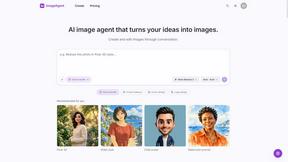
ImageAgent
Create and edit AI images through conversation, using text or reference images and refining results in chat.
GenX
All-in-one AI workspace to generate images, videos, and audio with multiple leading AI models.

AppIconGenerator
Generate iOS and Android app icons from any image and export all platform sizes for free.
AiAgeFilter
Free AI age filter: upload an adult portrait, add 10-40 years, meet your older self. No app needed.
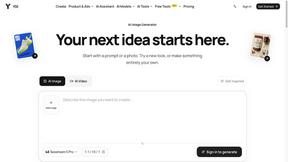
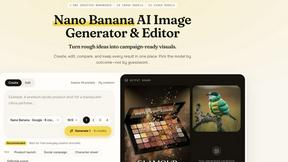
Nano AI
Create and edit AI images, generate videos, and compare models in one creative workbench.
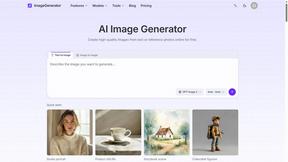
ImageGenerator
Create and edit AI images online with multiple models, text-to-image, image-to-image, background removal, and upscaling.
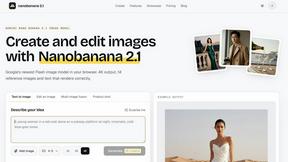
nanobanana 21
Fast, simple image studio powered by Nano Banana 2.1: accurate details, readable text, consistent characters, up to 14 reference images.
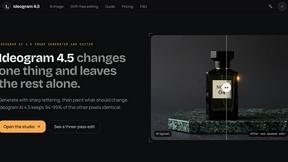
Ideogram AI 4.5
AI image generation and editing with precise typography, native 2K output, and localized edits.
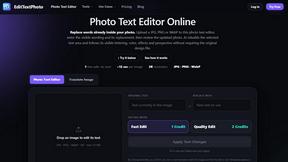
EditTextPhoto
AI-powered image text editor to edit, replace, fix, or translate text in images while preserving the original font, color, size, and style.
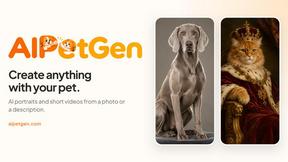
AIPetGen
AIPetGen turns a photo of your dog, cat, or other pet, or a written description, into a new picture or a short animation.


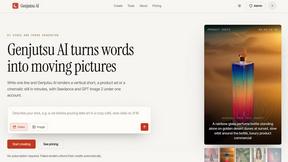
Genjutsu AI
Genjutsu AI turns ideas into cinematic videos, product ads, social shorts, and quality images in minutes. Built for TikTok, Reels, Shorts.
AI Album Cover Maker
Create release-ready album covers from a prompt or photo. Generate, refine, and export art for singles, EPs, mixtapes, and playlists.

Qwen Image Edit
Prompt-based Qwen Image editing and generation for backgrounds, text, products, posters, outpainting, and creative styles.

About EditTextImage Alternatives
Every creative workflow evolves, and the moment you realize you need to change a single word on a finished image without the original design file marks a significant shift in how you approach digital content. EditTextImage belongs to the category of AI-powered image text replacement tools, a niche that solves the specific pain point of editing text directly from pixel data rather than relying on layered source files. Users typically begin searching for alternatives when their needs grow beyond the initial use case—perhaps they require batch processing for multiple images, need integration with a specific platform like a CMS or e-commerce backend, or find that the per-edit pricing model doesn't align with their volume of work. The evolution from a single fix to a scalable solution often drives this exploration. When evaluating alternatives, the key growth stage to consider is how the tool adapts to your expanding workflow. Look for solutions that maintain the core promise of preserving original fonts, colors, and layouts from pixels, but also offer features like API access for automation, higher resolution outputs for print, or the ability to handle complex effects like gradients and 3D text without degradation. The right alternative should feel like a natural progression—one that retains the simplicity of a 30-second edit while unlocking the capacity to handle dozens of images without friction. Pricing transparency and the ability to test without commitment remain critical benchmarks, as your journey from occasional typo fixes to systematic content updates demands a tool that grows with your ambition.
FAQs about EditTextImage Alternatives
What is EditTextImage?
EditTextImage is an AI-powered online tool that allows you to edit text within images seamlessly. It samples the typeface, color, drop shadow, and perspective directly from the pixels of the original image, eliminating the need for Photoshop, font files, or the original design file. The process takes approximately 10 seconds and outputs a 2K resolution image, making it ideal for quick fixes on finished posters, screenshots, or product photos.
Who is EditTextImage for?
EditTextImage is designed for anyone who needs to change text in a finished image but no longer has access to the source design file. This includes marketers fixing typos in ads, designers swapping dates on event graphics, social media managers A/B testing headlines, and product teams updating text on screenshots. It is particularly valuable for users who do not have advanced design software or the specific fonts used in the original image.
Is EditTextImage free?
Yes, EditTextImage offers a free first edit with no credit card required. After that, it operates on a one-time payment model of $9.90 for 30 edits. This pay-as-you-go structure avoids recurring subscriptions, making it a cost-effective solution for users who only need occasional text edits rather than a full Canva or Photoshop subscription.
What are the main features of EditTextImage?
The primary feature is AI-driven text replacement that preserves the original font, color, layout, and effects like drop shadows and perspective without requiring the user to install any fonts. The tool works with paid fonts and hand-lettering by sampling the typeface from the image pixels. It delivers high-quality 2K resolution outputs and completes each edit in about 10 seconds, providing a fast and accurate alternative to manual editing in complex software.