
Blueberry vs OnUML
Side-by-side comparison to help you choose the right tool.

Blueberry
Blueberry is an AI-native workspace that unites your editor, terminal, and browser for seamless product development.
Last updated: February 28, 2026

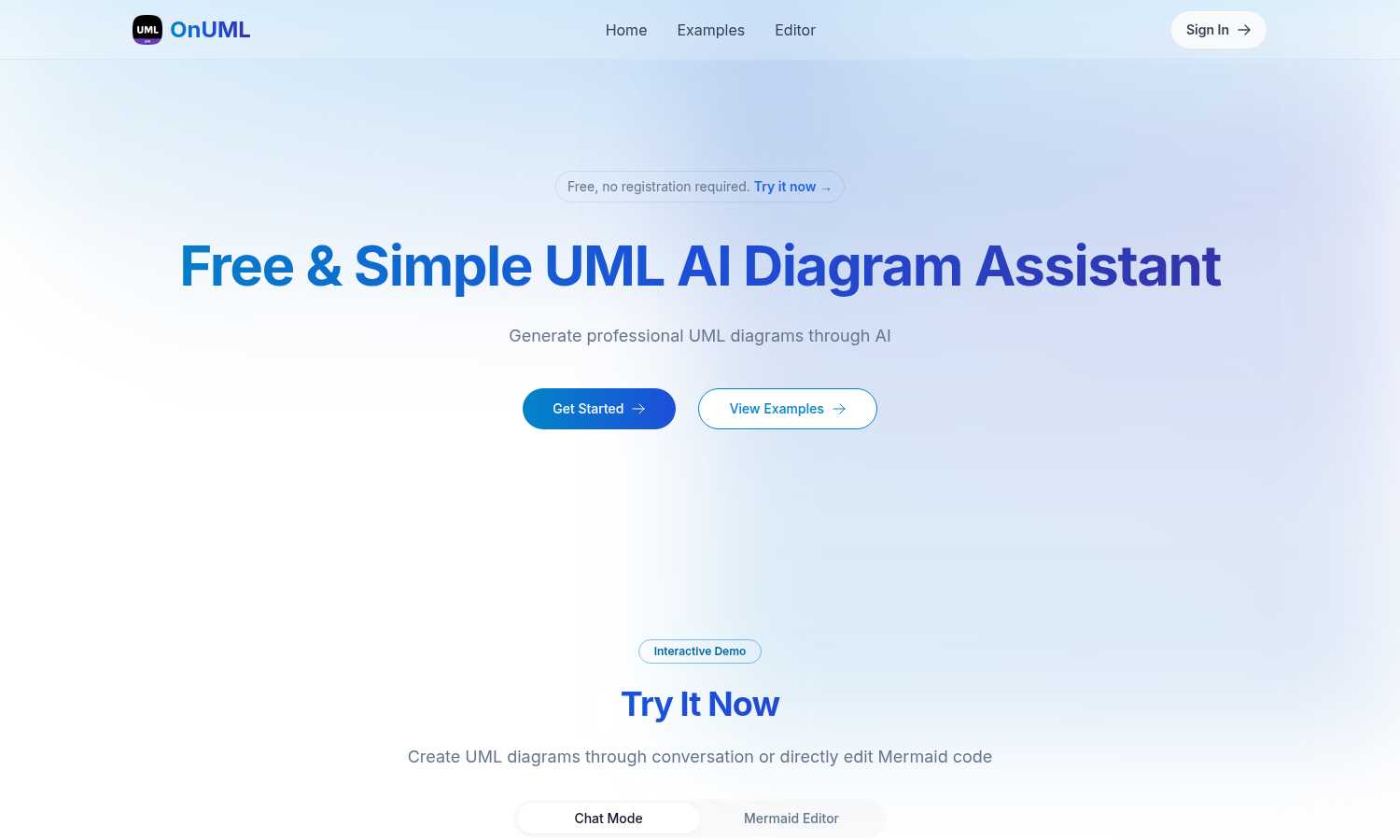
OnUML simplifies UML diagram creation with AI-driven chat and direct Mermaid code editing for instant, professional.
Last updated: March 1, 2026
Visual Comparison
Blueberry

OnUML
Feature Comparison
Blueberry
Unified AI-Native Workspace
Blueberry consolidates your essential development tools—editor, terminal, and browser—into a single, managed window. This foundational feature eliminates the cognitive load and time wasted on manually arranging and switching between disparate applications. The workspace is designed from the ground up to be AI-aware, ensuring that every component is accessible and contextual for integrated AI assistants, creating a seamless and focused development environment that feels intuitive and powerful.
Built-in MCP Server for Full AI Context
This is the engine of Blueberry's intelligence. The integrated Model Context Protocol (MCP) server acts as a bridge, giving your connected AI model (like Claude or Gemini) a live, real-time view of your entire project. The AI can see your code changes as you type, read terminal output, inspect the state of your preview browser, and interact with pinned apps. This means you can ask complex, contextual questions without ever copying a snippet of code or a screenshot manually.
Pinned Apps with Shared Context
Blueberry allows you to dock and pin essential web applications like GitHub, Linear, Figma, or PostHog directly within your workspace. These apps load with your project and, crucially, share the same live context with your AI via the MCP server. This transforms your task management, design review, and analytics tools from isolated silos into integrated parts of your development flow, keeping all relevant information at your fingertips.
Visual Context with Screenshot & Element Select
Beyond code, Blueberry empowers your AI with visual understanding. You can directly capture screenshots of your live application preview or use an element selector to highlight specific UI components. This visual context is fed directly to your AI assistant, enabling it to provide feedback on design, debug layout issues, or suggest changes based on exactly what you're seeing, bridging the gap between code and its visual outcome.
OnUML
AI Smart Chat
The AI Smart Chat feature allows users to describe their requirements in natural language, generating professional UML diagrams instantly. This eliminates the need for technical jargon, making it accessible to everyone.
Smart Suggestions
OnUML provides smart suggestions through its intuitive interface, offering design recommendations that enhance the UML creation process. This feature helps users refine their diagrams and optimize their designs.
Multi-diagram Support
With multi-diagram support, users can generate various types of UML diagrams, including class diagrams, sequence diagrams, and more. The platform intelligently recommends the appropriate diagram type based on user input.
Real-time Rendering
OnUML offers a WYSIWYG (What You See Is What You Get) editing experience with real-time rendering. As users create diagrams, they can see instant updates, ensuring that their visualizations are accurate and professional.
Use Cases
Blueberry
Rapid Prototyping and Iteration
When building a new feature or prototyping an idea, developers can code in the editor, see instant updates in the live browser preview, and use the terminal to run servers or commands—all without leaving the window. The AI can suggest code, explain errors from the terminal, and critique the UI live, dramatically speeding up the iterative build-measure-learn cycle.
AI-Powered Debugging and Problem Solving
Instead of manually correlating error messages, code, and browser state, a developer can simply ask their AI assistant, "Why is this button not working?" The AI, with full context from the terminal logs, the relevant code file, and the current browser DOM, can diagnose the issue, suggest a fix, and even implement the correction directly, turning debugging from a scavenger hunt into a guided conversation.
Streamlined Code Reviews and Onboarding
A senior developer or team lead can use Blueberry to review a pull request. With the code, the running application, and the terminal output visible simultaneously, they can comprehensively understand the changes. They can ask the AI to explain complex logic, generate tests, or assess performance implications based on the full system context, making reviews more thorough and efficient.
Context-Rich AI Collaboration
Whether you're pair programming with an AI or using it as a brainstorming partner, Blueberry provides the shared context necessary for high-level collaboration. You can ask, "How can we improve the user flow from this page?" and the AI can analyze the current component code, the live UI, and any pinned design documents to provide a coherent, actionable suggestion that considers the entire product picture.
OnUML
Project Planning
OnUML is perfect for project planning, allowing teams to visualize workflows and processes. By creating UML diagrams, project managers can effectively communicate project requirements and timelines.
Software Development
Developers can use OnUML to design software architecture, illustrating system interactions and component relationships. This visual representation aids in better understanding and implementation of complex systems.
Educational Purposes
Educators and students can leverage OnUML for learning and teaching UML concepts. The platform simplifies the diagramming process, making it easier for students to grasp essential software engineering principles.
Collaborative Design
OnUML facilitates collaborative design sessions where multiple stakeholders can contribute ideas and feedback in real-time. This enhances team collaboration, ensuring everyone is aligned with the project's vision.
Overview
About Blueberry
Blueberry represents a pivotal evolution in the product development workflow, moving beyond the fragmented toolset of the past into a unified, AI-native workspace. It is a macOS application designed for modern product builders—developers, engineers, and creators—who are focused on shipping delightful web applications. The core value proposition is profound yet simple: stop juggling windows and start building in a single, focused environment. Blueberry seamlessly integrates the three core pillars of development—a full-featured code editor, a powerful terminal, and a live preview browser—into one cohesive interface. This integration is supercharged by its native AI capabilities. By connecting to models like Claude, Gemini, or Codex via its built-in MCP (Model Context Protocol) server, Blueberry grants your AI assistant live, omnipresent context over your entire workspace. It can see your open files, terminal output, browser state, and even pinned apps like Figma or Linear. This eliminates the tedious cycle of copying, pasting, and switching contexts, allowing builders to maintain flow state and accelerate from idea to execution. Currently in a free beta, Blueberry is not just another editor; it's the next-stage platform where your tools and your intelligence work in concert.
About OnUML
OnUML is an innovative AI-powered platform that revolutionizes the way UML diagrams are created, making it accessible to developers, project managers, and designers alike. By allowing users to express their requirements in natural language, OnUML removes the complexities traditionally associated with diagramming tools. The platform's core functionality is built on the robust Mermaid engine, a JavaScript-based diagramming tool that enables users to generate high-quality diagrams effortlessly. OnUML enhances productivity and creativity, enabling professionals to transform their ideas into polished diagrams in just a few simple steps. The platform offers real-time collaboration features, ensuring that teams can work together effectively, regardless of their technical expertise. Whether you are a novice or an expert, OnUML equips you with the necessary tools to elevate your diagramming capabilities, driving clarity in communication and project planning.
Frequently Asked Questions
Blueberry FAQ
What is MCP and why is it important?
MCP stands for Model Context Protocol. It is a standard that allows AI models to securely connect to and interact with external tools and data sources. In Blueberry, the built-in MCP server is crucial because it safely exposes your live workspace—your files, browser, terminal, and pinned apps—to AI models like Claude. This gives the AI a deep, real-time understanding of your project, enabling it to provide relevant, contextual assistance without you manually feeding it information.
Is Blueberry just a code editor with a terminal split?
No, it is fundamentally different. While it includes a powerful editor and terminal, Blueberry is an integrated AI-native platform. The key difference is that all components are designed to work together and feed a central AI context. The editor, terminal, and browser are not just panels side-by-side; they are interconnected nodes that your AI assistant can see and interact with simultaneously, creating a unified intelligence layer over your entire development process.
Can I use my own AI models with Blueberry?
Yes. While Blueberry showcases integrations with popular models like Claude, Gemini, and Codex, its MCP server is designed to be compatible with any AI model that supports the Model Context Protocol. This open approach allows you to connect the AI tool of your choice, giving you flexibility while still benefiting from Blueberry's unified workspace and deep context-sharing capabilities.
What does "100% FREE DURING BETA" mean?
It means that while Blueberry is in its beta testing phase, all features and functionality are completely free to use. There is no cost to download, install, or use the application. This allows the development team to gather widespread feedback and refine the product. A pricing model for the stable, production version will likely be introduced after the beta period concludes, but beta users will have ample notice.
OnUML FAQ
Will my chat content be used for AI training?
No, your chat content will not be used for AI training. OnUML prioritizes user privacy and ensures that your data remains confidential.
Are there any usage limits?
OnUML is free to use with no registration required. There may be certain limitations on features for unregistered users, but the platform is designed to be accessible to everyone.
What types of UML diagrams are supported?
OnUML supports a wide range of UML diagrams, including class diagrams, sequence diagrams, activity diagrams, and state diagrams, among others. This versatility caters to various modeling needs.
How can I save my diagrams?
Users can easily save their diagrams by exporting them in multiple formats, including PNG and SVG. This feature ensures that diagrams can be shared and integrated into documentation seamlessly.
Alternatives
Blueberry Alternatives
Blueberry is a macOS application designed for developers, creating a unified workspace that integrates the essential tools of an editor, terminal, and browser. This category of all-in-one development environments aims to streamline workflows by reducing context switching and window management overhead, allowing for a more focused and efficient coding process. Developers often explore alternatives to such tools for several practical reasons. These can include platform compatibility needs, as Blueberry is currently exclusive to macOS, or specific feature requirements not yet present. Others may seek different pricing models as a product evolves from a free beta, or simply prefer a different approach to UI and workflow integration that better matches their personal habits. When evaluating alternatives, consider the core promise of a cohesive workspace. Key factors include the depth and seamlessness of integration between your code, command line, and live preview, as well as the flexibility to connect with the AI models and tools that power your specific development cycle. The goal is to find a solution that minimizes friction and maximizes your focus, allowing you to progress from idea to execution with fewer interruptions.
OnUML Alternatives
OnUML is an AI-powered platform that simplifies the process of creating UML diagrams, catering to developers, project managers, and designers. By allowing users to articulate their design ideas in natural language, OnUML redefines traditional diagramming, making it more accessible and efficient. Users often seek alternatives for various reasons, including pricing, specific feature sets, or compatibility with their existing workflows. When evaluating alternatives, it’s crucial to consider the ease of use, range of diagram types supported, collaboration features, and overall flexibility to ensure the chosen tool aligns with your project needs and enhances productivity.