
OnUML vs Proofapp
Side-by-side comparison to help you choose the right tool.

OnUML simplifies UML diagram creation with AI-driven chat and direct Mermaid code editing for instant, professional.
Last updated: March 1, 2026

Proofapp
Proofapp evolves feedback with visual comments pinned directly to your website.
Last updated: March 4, 2026
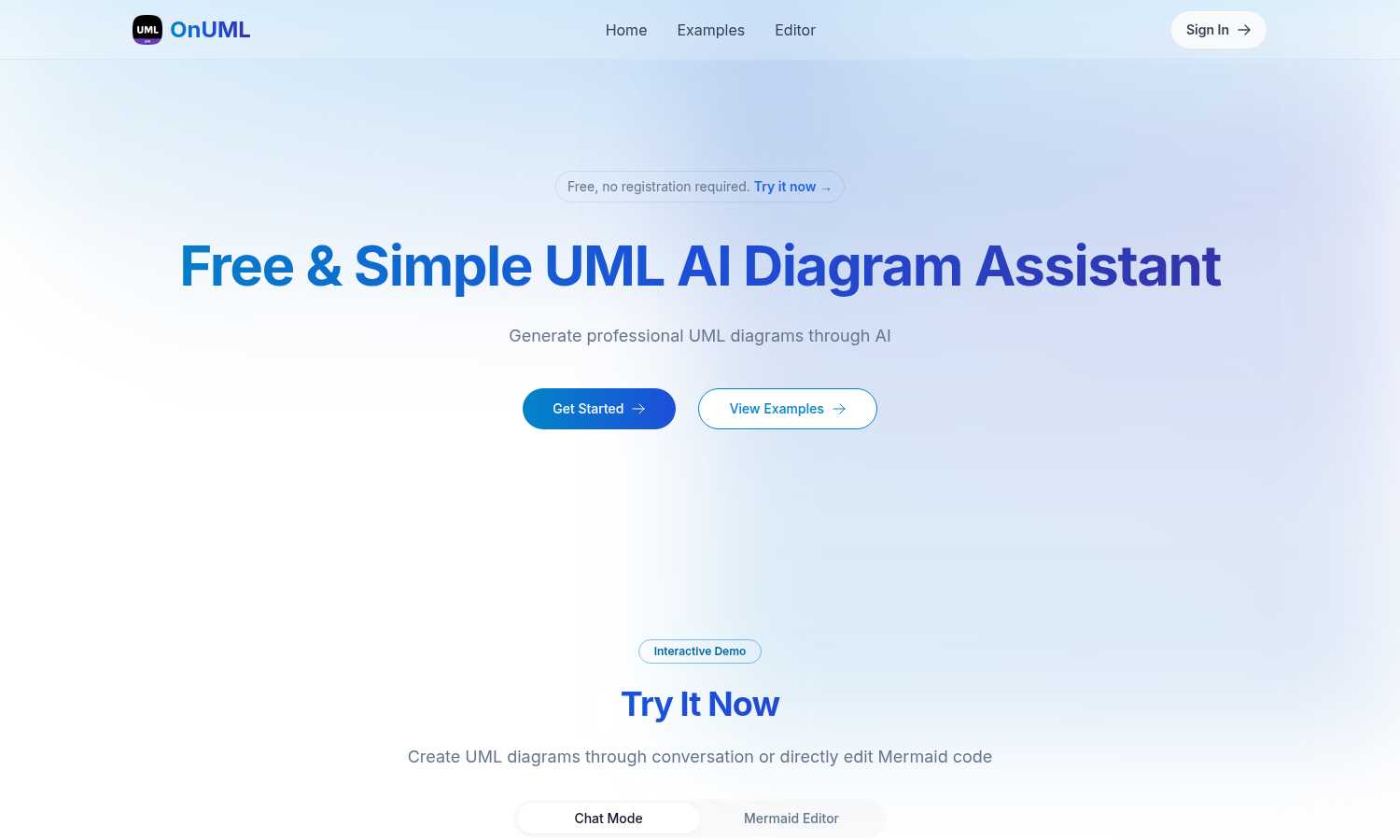
Visual Comparison
OnUML
Proofapp

Feature Comparison
OnUML
AI Smart Chat
The AI Smart Chat feature allows users to describe their requirements in natural language, generating professional UML diagrams instantly. This eliminates the need for technical jargon, making it accessible to everyone.
Smart Suggestions
OnUML provides smart suggestions through its intuitive interface, offering design recommendations that enhance the UML creation process. This feature helps users refine their diagrams and optimize their designs.
Multi-diagram Support
With multi-diagram support, users can generate various types of UML diagrams, including class diagrams, sequence diagrams, and more. The platform intelligently recommends the appropriate diagram type based on user input.
Real-time Rendering
OnUML offers a WYSIWYG (What You See Is What You Get) editing experience with real-time rendering. As users create diagrams, they can see instant updates, ensuring that their visualizations are accurate and professional.
Proofapp
Visual Commenting
This foundational feature allows reviewers to click directly on any part of a captured website screenshot to leave precise, contextual feedback. This eliminates the frustrating and time-consuming back-and-forth of describing locations with words like "top left, under the nav." Comments are pinned visually, creating an unambiguous record of exactly what element is being discussed, which dramatically reduces revision cycles and ensures everyone is aligned from the very first comment.
Multi-Breakpoint Testing
Proofapp automatically captures and presents your website at both desktop and mobile breakpoints when you provide a URL. This critical feature ensures that feedback isn't limited to a single viewport, allowing teams to review and collaborate on the full user experience across devices. It streamlines the QA process, helping teams identify and resolve responsive design issues before launch, which is a key milestone in modern web development.
Real-time Collaboration & Notifications
The platform fosters a dynamic collaborative environment where team members and clients can see comments appear live. Coupled with instant notifications, this feature ensures the feedback loop is continuous and efficient. Users can reply within threads, attach supporting files, and resolve comments, tracking progress collectively without the need for manual status updates or refreshing the page, propelling projects forward smoothly.
Secure Share Links & Client Access
Proofapp simplifies client involvement by allowing you to generate secure, expirable links to share projects. Clients can view screenshots and leave detailed feedback without the friction of creating an account, lowering the barrier to participation. This professional approach not only enhances security but also streamlines the client review process, making it a seamless part of your evolved project workflow.
Use Cases
OnUML
Project Planning
OnUML is perfect for project planning, allowing teams to visualize workflows and processes. By creating UML diagrams, project managers can effectively communicate project requirements and timelines.
Software Development
Developers can use OnUML to design software architecture, illustrating system interactions and component relationships. This visual representation aids in better understanding and implementation of complex systems.
Educational Purposes
Educators and students can leverage OnUML for learning and teaching UML concepts. The platform simplifies the diagramming process, making it easier for students to grasp essential software engineering principles.
Collaborative Design
OnUML facilitates collaborative design sessions where multiple stakeholders can contribute ideas and feedback in real-time. This enhances team collaboration, ensuring everyone is aligned with the project's vision.
Proofapp
Freelancer Client Approvals
Freelancers can present their web design or development work professionally using Proofapp. By sharing a secure link, they collect clear, visual feedback directly on the site mockup or live build. This eliminates confusing email chains, saves hours typically spent deciphering notes, and presents a polished, efficient process that builds client trust and accelerates project finalization.
Agency Project Management
Marketing and design agencies managing multiple client projects use Proofapp to centralize all feedback. It replaces disjointed communication across email, Slack, and documents with a single source of truth. Teams can manage feedback across various pages and breakpoints, assign tasks via comments, and maintain an audit trail, ensuring nothing is missed and projects stay on schedule.
In-House Design & Development Handoff
Internal product teams leverage Proofapp to bridge the gap between designers and developers. Designers can share interactive prototypes or live URLs, and developers can pin specific questions about functionality or implementation directly on the relevant element. This visual, contextual dialogue reduces misinterpretation during handoff, leading to fewer bugs and a more efficient development cycle.
Marketing Campaign Reviews
Marketing teams launching new landing pages or campaign microsites use Proofapp for collaborative review. Stakeholders from copy, design, and leadership can all leave targeted feedback on the same visual asset. This ensures all perspectives are captured visually and organized before development begins, leading to higher-quality launches and significantly fewer post-launch revisions.
Overview
About OnUML
OnUML is an innovative AI-powered platform that revolutionizes the way UML diagrams are created, making it accessible to developers, project managers, and designers alike. By allowing users to express their requirements in natural language, OnUML removes the complexities traditionally associated with diagramming tools. The platform's core functionality is built on the robust Mermaid engine, a JavaScript-based diagramming tool that enables users to generate high-quality diagrams effortlessly. OnUML enhances productivity and creativity, enabling professionals to transform their ideas into polished diagrams in just a few simple steps. The platform offers real-time collaboration features, ensuring that teams can work together effectively, regardless of their technical expertise. Whether you are a novice or an expert, OnUML equips you with the necessary tools to elevate your diagramming capabilities, driving clarity in communication and project planning.
About Proofapp
Proofapp is the definitive evolution in digital collaboration, transforming the chaotic, error-prone process of collecting feedback into a streamlined, visual workflow. It is a visual feedback and website review platform designed for designers, developers, freelancers, and agencies who are ready to move beyond the limitations of email chains and vague text descriptions. The core value proposition is simple yet profound: eliminate miscommunication by anchoring all feedback directly onto the visual canvas of your work. By simply pasting a URL, Proofapp automatically captures desktop and mobile screenshots, creating a shared space where stakeholders can pin comments, reply in threaded conversations, attach files, and mark items as resolved. This progression from scattered, textual notes to organized, visual dialogue represents a fundamental shift, enabling teams to ship higher-quality work faster. With features like real-time notifications, Slack integration, and secure shareable links that require no account for reviewers, Proofapp scales from a freelancer's first client project to an agency's enterprise-level workflow, ensuring that every stage of a team's growth is supported by clearer communication and more actionable insights.
Frequently Asked Questions
OnUML FAQ
Will my chat content be used for AI training?
No, your chat content will not be used for AI training. OnUML prioritizes user privacy and ensures that your data remains confidential.
Are there any usage limits?
OnUML is free to use with no registration required. There may be certain limitations on features for unregistered users, but the platform is designed to be accessible to everyone.
What types of UML diagrams are supported?
OnUML supports a wide range of UML diagrams, including class diagrams, sequence diagrams, activity diagrams, and state diagrams, among others. This versatility caters to various modeling needs.
How can I save my diagrams?
Users can easily save their diagrams by exporting them in multiple formats, including PNG and SVG. This feature ensures that diagrams can be shared and integrated into documentation seamlessly.
Proofapp FAQ
How do reviewers leave feedback without an account?
Reviewers do not need to create a Proofapp account to participate. The project owner simply generates a secure, shareable link from within their Proofapp dashboard and sends it to clients or stakeholders. Anyone with the link can view the captured screenshots and leave comments directly on the design, making the feedback process incredibly simple and frictionless for all parties involved.
Does Proofapp work on live websites or just mockups?
Proofapp works on any live, publicly accessible website URL. You paste the link, and the platform automatically captures screenshots. It is designed for reviewing live sites, staging environments, and prototypes. For static mockups or design files, you can often host them online or use the file attachment feature within a comment to provide context during a review.
Can I review multiple pages of a website?
Yes, Proofapp supports multi-page projects. You can add multiple URLs to a single project, allowing for comprehensive feedback across an entire website or a specific user flow. This is essential for agencies and product teams who need to manage feedback on entire sites, not just isolated landing pages, keeping all contextual notes organized in one place.
What happens after my free trial ends?
Proofapp offers a generous free tier with core functionality. After a trial of a paid plan, you will revert to the features and limits of the free plan. You can continue using the platform for smaller projects or upgrade to a paid plan to unlock additional capabilities like unlimited projects, priority support, and advanced security features to match your growing business needs.
Alternatives
OnUML Alternatives
OnUML is an AI-powered platform that simplifies the process of creating UML diagrams, catering to developers, project managers, and designers. By allowing users to articulate their design ideas in natural language, OnUML redefines traditional diagramming, making it more accessible and efficient. Users often seek alternatives for various reasons, including pricing, specific feature sets, or compatibility with their existing workflows. When evaluating alternatives, it’s crucial to consider the ease of use, range of diagram types supported, collaboration features, and overall flexibility to ensure the chosen tool aligns with your project needs and enhances productivity.
Proofapp Alternatives
Proofapp is a visual feedback and website review platform in the design tools category. It streamlines collaboration by allowing teams and clients to pin comments directly on live website screenshots, eliminating the clutter of email threads and vague revision notes. This centralizes feedback, making it visual, organized, and immediately actionable for designers and developers. Users often explore alternatives as their needs evolve. A solo freelancer's simple tool may not scale for a growing agency's complex projects. Some seek different pricing models, more advanced integrations, or specialized features like video feedback or native prototyping links. The search signifies a team progressing to a new stage of operational maturity. When evaluating options, consider your collaboration workflow's core demands. Look for a solution that matches your team's size, budget, and technical environment. The right tool should reduce friction, not add it, by integrating smoothly with your existing stack and scaling alongside your project complexity and client roster.